

EDR SOLUTION
Acronis Endpoint Detection and Response (EDR) solution
Know what’s happening on your servers while it’s happening
Acronis EDR watches what programs do on your server and alerts you in your Nexcess portal when something acts like an attack. It contains the threat, shows how it got in, what it touched, and how far it spread.


Behavioral detection

Automatic containment

One Acronis agent
When EDR is the answer
Your cyber insurance renewal asks for evidence of active endpoint monitoring.
Your antivirus says everything is fine, and you have no way to check what it missed.
An auditor asks what happened on a server last month, and there is no record to point to.
A server slows down, and you can tell something has changed but not what it was.
What happens when EDR spots something

The alert
When EDR sees behavior on your server that could be an attack, it alerts you in your Nexcess portal. The alert shows which server is affected, how severe it is, what was caught, and whether it’s already contained.

The record
Each alert is backed by an incident record of what happened on your server. When an insurer or auditor asks, you have something to point to.

The investigation
One click from an incident in the portal takes you into the Acronis console, where you’ll see the attack pieced back together in plain language: how they got in, what they touched and how far it spread.
How EDR differs from antivirus
Antivirus checks files against a list of known threats. EDR watches your server for anything behaving like an attack.
Antivirus
EDR
The question it answers
Is this file known to be bad?
What is happening on this server?
What it looks at
Files, compared against a list of known threats
Server behavior and a record of what happened
What it misses
New or altered threats, built to avoid a signature
Very little goes unrecorded.
What happens when something slips through
You find out after the damage, often with no trail
The activity is on record, so you can trace what happened
What you can show afterward
That a scan ran
What happened, when, and what was done about it
What is included with EDR for servers

Behavioral detection
EDR picks up the signs of an attack in progress, like a program suddenly encrypting files across your server.
Automatic containment
When EDR catches a threat, it automatically quarantines the affected files.
One Acronis agent
EDR, backups and disaster recovery all run on the same Acronis agent. If you already have Acronis backups or disaster recovery, there’s nothing new to install.
Compliance support
EDR gives you evidence of active monitoring to show an auditor, insurer or client, while compliance itself stays your responsibility.
Detection, backups and recovery on one agent
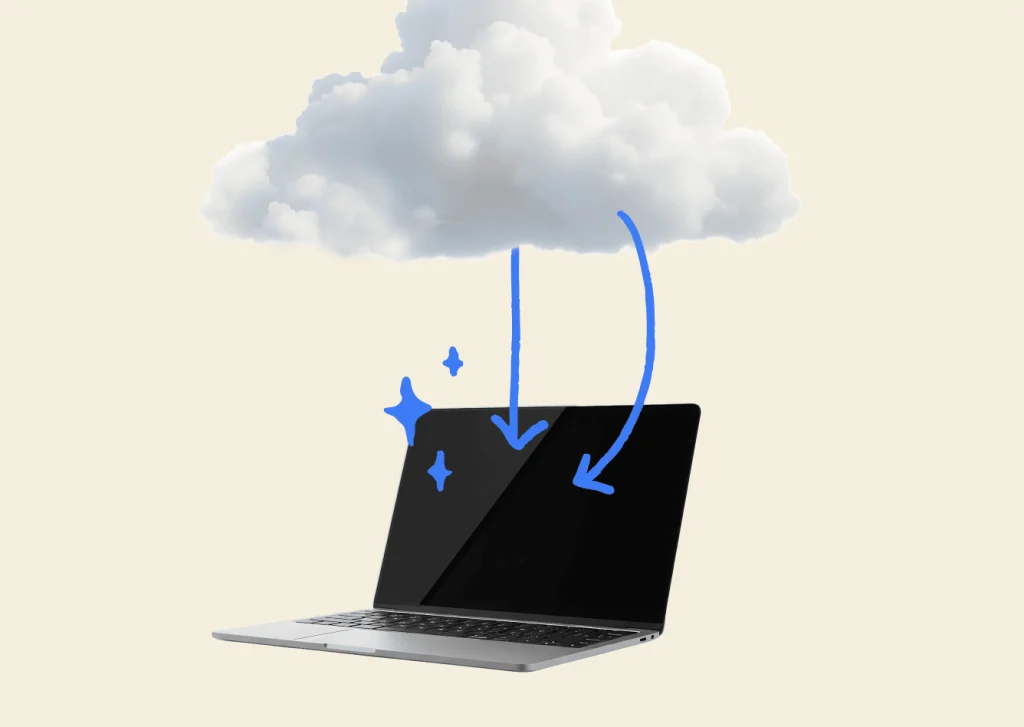
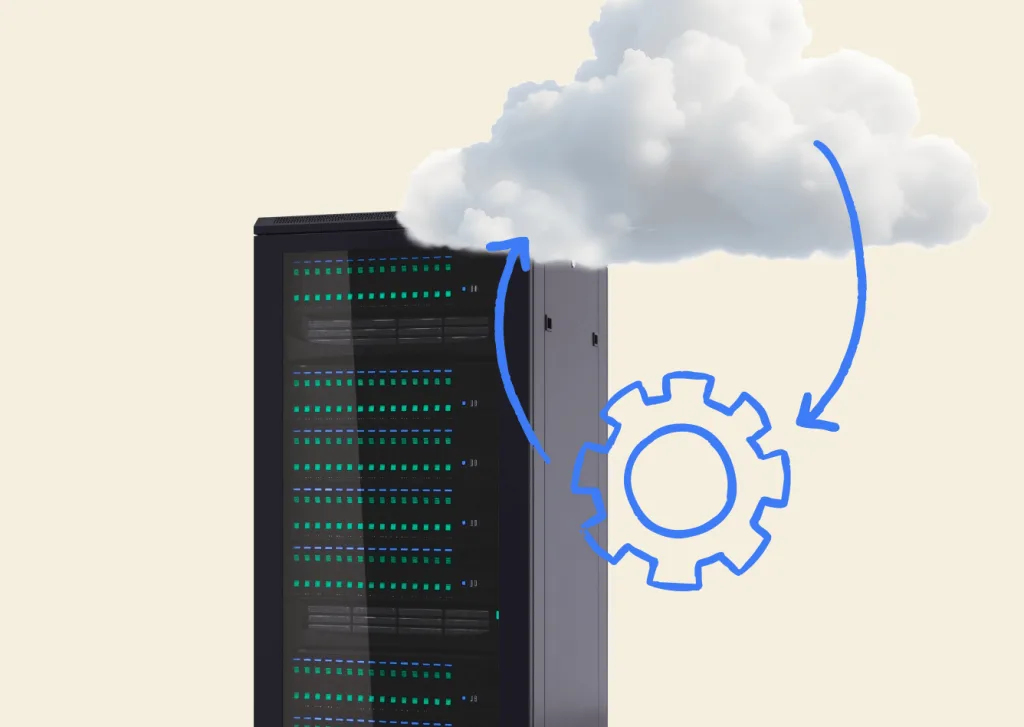
Acronis EDR shows you what happened, while backups and disaster recovery get your data and systems back.
Nexcess Cloud Backups
Powered by Acronis. Scales with your capacity.
- Stored offsite on the Acronis Cloud
- Encrypted and kept off your server, with ransomware protection
- Self-service, with our team on call
- No recovery or egress fees
Nexcess Disaster Recovery
Powered by Acronis. For systems that need to be backed up quickly.
- One-click failover and self-service failback
- Failover to the cloud or another location
- Minimal data loss
EDR frequently asked questions
Antivirus scans files and blocks anything that matches a list of known threats. Endpoint detection and response (EDR) monitors how programs behave on your server, which means it can catch new threats that aren’t on any list yet. An EDR solution also records what happened during an attack, showing how it got in, what it touched and whether it was contained. For small and medium businesses, that gives you evidence to show an insurer or auditor, not just proof that a scan ran.
Requirements vary by insurer and by policy, so check yours. Some insurers ask for evidence of active monitoring at renewal. EDR for servers gives you a record of activity and response that you can point to. Whether it satisfies a specific policy is the insurer’s decision, so confirm with your broker.
If you already have Acronis backups, you do not need to install anything new. The agent already running backups on your server can run EDR once it’s turned on. .
EDR can contain it automatically by quarantining the affected files or processes. You are alerted in your Nexcess portal, which shows the server, how severe the threat is, what was caught, and whether it has been contained. From any incident, you can open the Acronis console in one click, with no second login, to investigate and respond.
Running two security agents on one server can compete with each other, so we would look at your setup before recommending it. Talk to us about your environment and we’ll tell you which makes sense.