

What is disaster recovery as a service (DRaaS)?
Disaster recovery as a service (DRaaS) is a cloud-based service that replicates your systems to a secondary environment so they can be recovered if your production environment goes down.
—
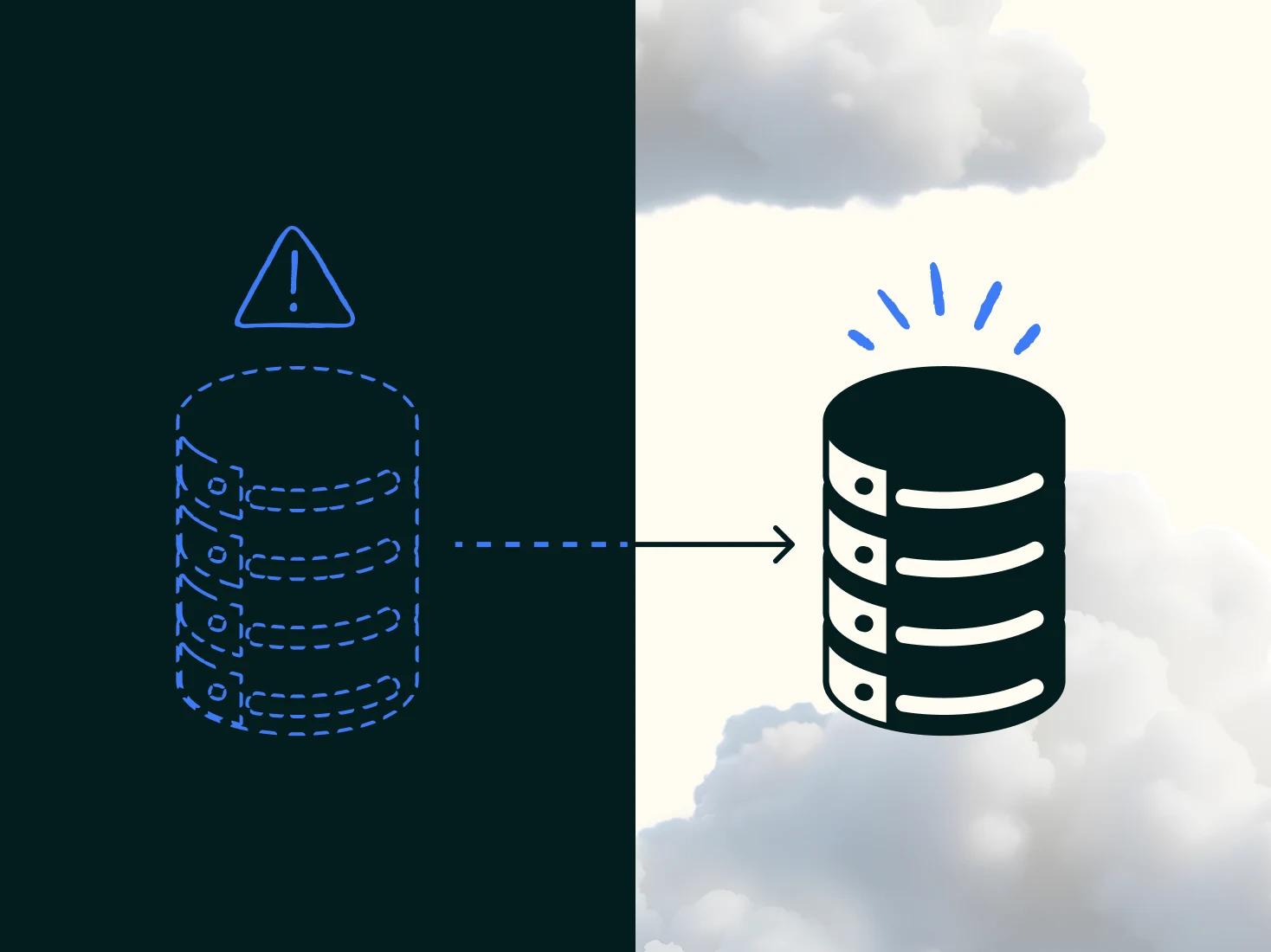
A backup gives you your data back. It doesn’t give you a running application, a working database, or a site your customers can reach. Getting back online is a different job, and disaster recovery as a service (DRaaS) is one way to do it.
What is DRaaS?
Disaster recovery as a service (DRaaS) is a cloud-based service that replicates your systems to a secondary environment so they can be recovered if your production environment goes down. Instead of rebuilding servers and restoring everything from backup during an incident, you fail over to the recovery environment and keep things running while the original problem is resolved.
That’s the real distinction: backups preserve the data and system state you’d need to restore. DRaaS maintains a recovery path for the workload itself, including what it takes to bring it back online. The goal is to reduce the time between production going down and the business operating again.
How DRaaS works
The mechanics are similar across most DRaaS setups. Your production systems are replicated to a secondary cloud environment, either continuously or at scheduled intervals. Unlike a traditional backup that needs to be restored before it can be used, the replica is already configured to come online during an outage.
When production goes down, failover moves things to the recovery environment. It can trigger automatically, or someone can trigger it manually. Either way, it restores access to the application while the original problem gets fixed.
Once production is ready again, failback moves things to a clean, rebuilt server rather than the one that broke. That way the failed server stays available to figure out what went wrong.
Testing is what turns a DRaaS setup from a theory into something you can trust. Trigger a failover in isolation, without touching production, and see whether it works. That’s the only way to find a gap before an outage finds it for you.
Key benefits of DRaaS
The first reason is speed. Rebuilding from backup means provisioning new servers, restoring data, and confirming everything works before anyone can log back in. DRaaS skips this, since the recovery environment already exists and just needs to take over.
The second is less maintenance for your team. A secondary environment doesn’t stay ready on its own, it needs to be patched, kept in sync with production, and checked regularly. DRaaS providers handle this, so that work moves off your team.
The third is scale. Disaster recovery gets harder to manage with every server you add, because each one has its own dependencies and recovery requirements. Configuring, monitoring, and testing recovery across the whole environment takes time and technical expertise, and a DRaaS provider can take on much of that work.
The fourth is having clear recovery expectations. DRaaS setups are built around a defined recovery time objective (RTO) and recovery point objective (RPO), so you know roughly how long recovery will take and how much data is at risk, not finding out for the first time during an actual incident.
The fifth is documented proof. A tested DRaaS environment leaves evidence, a completed test, a timestamp, a result, for whenever someone asks whether recovery works.
DRaaS vs. backups vs. managed disaster recovery
Backups, DRaaS, and managed disaster recovery all support recovery, but they solve different parts of the problem.
| Backups | DRaaS | Managed disaster recovery | |
|---|---|---|---|
| Primary purpose | Preserve data and system state for restoration | Restore workloads in a secondary environment | Restore workloads with the provider taking on more of the recovery process itself |
| Recovery environment | Needs to be provisioned or made available before you can restore into it | A secondary recovery environment comes with the service | A secondary recovery environment comes with the service |
| Testing | Depends entirely on whether anyone tests the restore | Depends on what the DRaaS provider supports | Usually includes scheduled recovery tests the provider runs and documents |
| Who initiates recovery | You, restoring manually into an environment you provision | You, using the environment the provider already keeps ready | Depends on the provider. Some run the failover for you, some just keep it ready for you to trigger. Worth confirming before you buy |
The real difference between DRaaS and managed disaster recovery is how much of the recovery work moves off your team before anything breaks, not who’s in charge once it does. DRaaS hands you the replication and the recovery environment. A managed service takes over provisioning, network path testing, monitoring, and scheduled failover tests, so it’s ready when you need it.
What stays on your side doesn’t change no matter who you buy from: declaring the disaster, starting the failover, holding your own credentials, controlling your own DNS. For the full breakdown of what a provider should own versus what’s always yours, see who does the work in managed disaster recovery.
When DRaaS makes sense
DRaaS makes sense when restoring from backup alone would take longer than the business can afford. For example, an ecommerce site losing revenue by the hour, a customer-facing application people expect to work, or an environment complex enough that rebuilding and validating it from scratch would take a full day.
Ransomware is the sharpest version of this. Restoring from backup gets your systems running again, but attackers who’ve been inside your network for weeks have already found and touched those backups too. In many configurations, DRaaS gives you somewhere clean to recover to instead, so the compromised environment stays untouched for investigation while the business gets back online somewhere else.
Regulated workloads like with HIPAA, PCI DSS, SOC 2, and GDPR don’t want proof your recovery process works, tested and on file.
Not every workload needs DRaaS. If a longer recovery window is fine and your backup and restore process is one you’ve tested, that coverage is enough.
But when downtime has to stay inside a tight window, restoring data is only half the job. Getting the workload itself back online, the part a backup was never built to do, is what’s still missing. DRaaS closes that gap.
DRaaS FAQs
No. Disaster recovery is the broader goal, getting operations back after an incident. DRaaS is one specific way to deliver it: a provider keeps a recovery environment ready in the cloud so you fail over instead of rebuilding. Other approaches exist too, a self-managed standby site, for example, is also disaster recovery, just not as a service.
What’s the difference between DRaaS and backup as a service?
Backup as a service copies and stores your data so it can be restored if something goes wrong. DRaaS keeps an actual recovery environment running and ready, so instead of restoring data onto a new server during an incident, you fail over to one that’s already there. Backup as a service protects the data. DRaaS protects your ability to keep operating.
Do I need DRaaS if I already have backups?
Depends on how much downtime you can actually tolerate. If a longer recovery window is fine and your backup and restore process is one you’ve actually tested, backups alone are probably enough. If downtime has to stay inside a tight window, backups only solve half the problem, they get your data back, not a running application your customers can reach. That’s the gap DRaaS is built to close.
Do I need backups if I already have DRaaS?
Absolutely. DRaaS and backups solve different parts of the recovery problem. For example, in the case of continuous DRaaS replication, there is no ability to “roll back” to a previous state as you can with versioned backups, so issues like accidental data deletion cannot be solved with DRaaS alone. Regularly review and test your entire backup strategy.
Why would you choose managed disaster recovery over DRaaS?
DRaaS gives you the replication and a recovery environment, but keeping that environment actually ready, tested, monitored, verified, is still work someone has to do. Managed disaster recovery takes that on for you, so recovery isn’t just theoretically possible, it’s been checked recently and you’d know if it wasn’t. Worth it if you don’t have a team who’d reliably run those checks on a schedule, less worth it if you already do and just need the recovery environment itself.

Table of contents
Get hosting news and tips straight to your inbox
Join our community today.
Essential Hosting Resources to help your business stay ahead
Share this page


